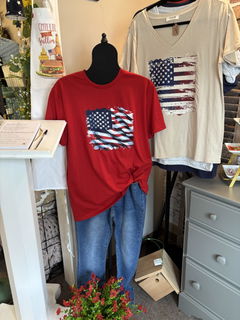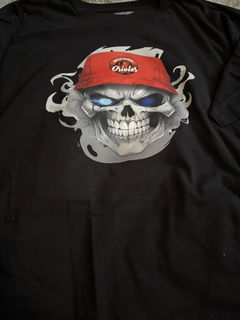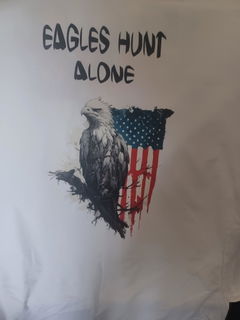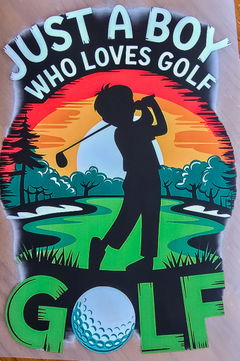
DTF Transfers For Custom Apparel, Build Or Upload Gang Sheets Fast
3 Products
Filters




Categories
- Custom Dtf Transfer By Piece
- ONLINE GANG SHEET BUILDER
Ready to Press DTF Transfers
- UPLOAD YOUR CUSTOM GANG SHEET
- Premade Gang Sheet
- Free Sample Pack
DTF transfers are a reliable way to press full color designs on shirts, hoodies, sweatshirts, tote bags, and more. If you run a print shop, sell custom apparel online, or fulfill local team orders, this collection keeps your workflow simple: choose transfers by size, build a gang sheet online, or upload a ready file and move straight to production.
What You Can Buy In This Collection
This collection brings multiple ordering options together so you can choose the fastest path for your project:
- DTF Transfers By Size when you need single designs in exact dimensions
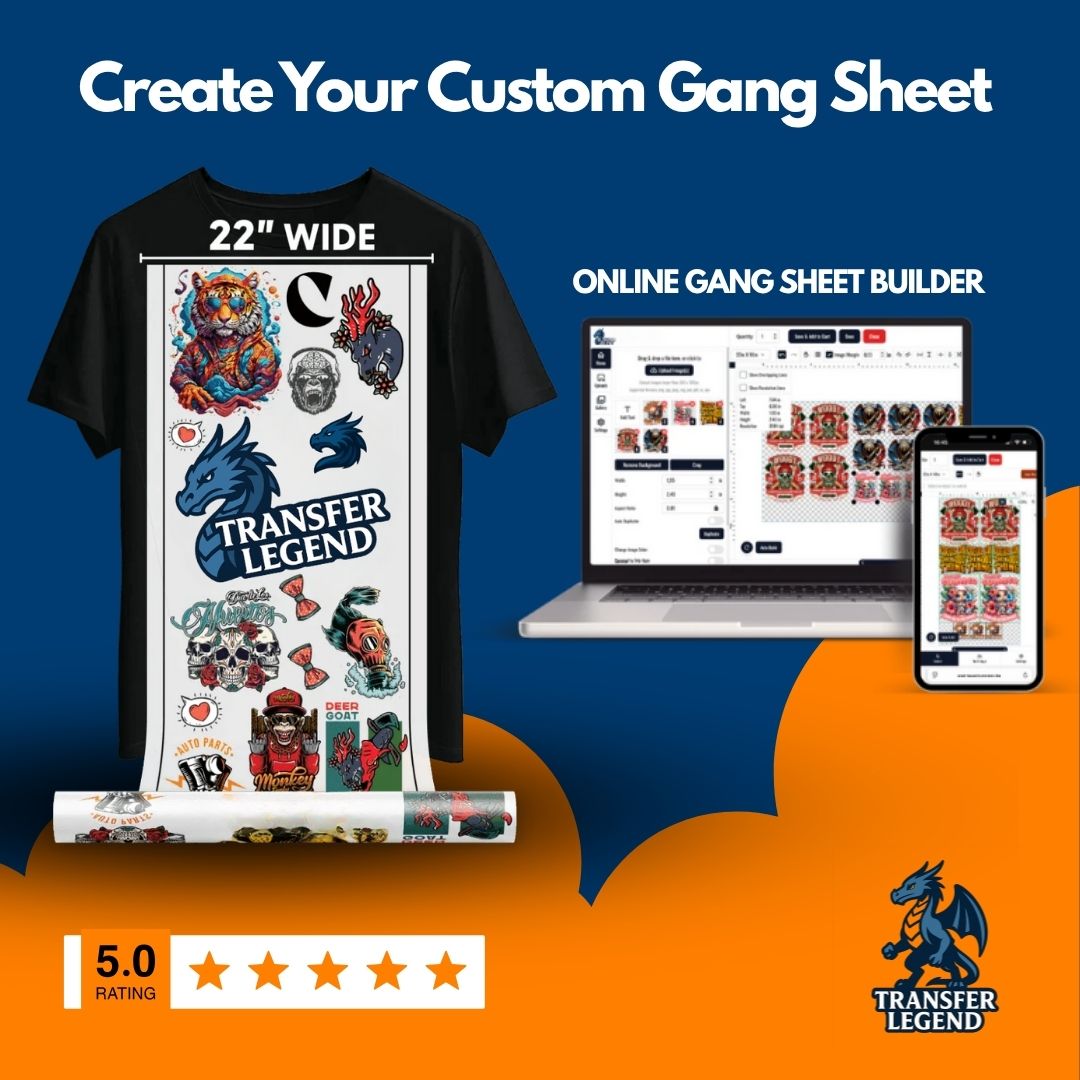
- DTF Gang Sheet Builder when you want to arrange multiple graphics in an online builder
- Upload Your DTF Gang Sheet when you already have a print ready layout file
- DTF Auto Gang Sheet Builder when you want an assisted layout flow
You will also see UV DTF products in the same collection. UV DTF is typically used for hard goods like tumblers and cups, while DTF transfers are pressed on garments. If you sell both apparel and hard goods, having both options in one place makes ordering easier.
What Are DTF Transfers
DTF transfers are heat press transfers that let you apply detailed, full color artwork to fabric. Instead of printing directly on the garment, your design is produced as a transfer and then pressed onto the item when you are ready. This helps you keep inventory flexible because you can press on demand and avoid holding finished shirts in every size and color.
Why DTF Transfers Work So Well For Custom Apparel
Most apparel orders come down to three things: speed, consistent print quality, and repeatable results. DTF transfers are popular because you can press the same artwork across many garments and keep the output consistent. They are also practical when you need multiple designs in one order, such as brand kits, seasonal drops, team names, or event merch.
Common use cases include:
- Left chest logos and full front prints
- Back graphics for hoodies and crewnecks
- Small icons for sleeves, tags, and pockets
- Team orders with names and numbers
- Small batch drops for online stores and pop ups
Order By Size Versus Gang Sheet
Order by size when you want a single design in a specific dimension. This option is great for repeat logos, labels for apparel packaging, or a consistent left chest size you use every day. If your shop has standard sizes, ordering by size keeps reorders quick and predictable.
Choose a gang sheet when you want multiple designs on one sheet. A gang sheet helps reduce empty space and lowers the cost per design because you are filling the sheet with the artwork you actually need. This is especially useful for creators who sell many small designs, or shops that want to press in batches.
Builder Or Upload Which Is Better
Use the gang sheet builder if you want to arrange designs online, control spacing, and confirm sizing before checkout. This is helpful when you have separate design files and you want to pack them efficiently.
Use upload if your gang sheet layout is already print ready. If your designer prepares a completed sheet in a design tool, upload is the quickest path. It also works well for repeat orders where the layout never changes.
Use the auto builder if you want an assisted setup that reduces manual layout work. This option can be convenient when you are building sheets frequently and you want a faster path from files to layout.
How To Plan A Gang Sheet That Cuts Cleanly
A good gang sheet is not only about fitting more graphics, it is also about cutting and sorting without mistakes. Keep your layout organized so you can cut quickly and press confidently.
- Leave clear space between designs for easy cutting
- Group similar sizes together, like left chest logos in one area
- Keep text heavy designs larger so small letters stay readable
- Save one layout version for reorders so you can repeat fast
If you are fulfilling multiple customer orders at once, organize your sheet by order number or by category. That small planning step can save time when you are cutting and packing.
Pressing Notes For Better Results
DTF transfers are applied with a heat press. For consistent results, keep your press settings steady and use a flat, clean platen. Pre press garments briefly to remove moisture and wrinkles, then press the transfer as instructed with your order. If your shop is running batches, press one test item first and confirm the finish before pressing the full run.
Quality And Speed For Production
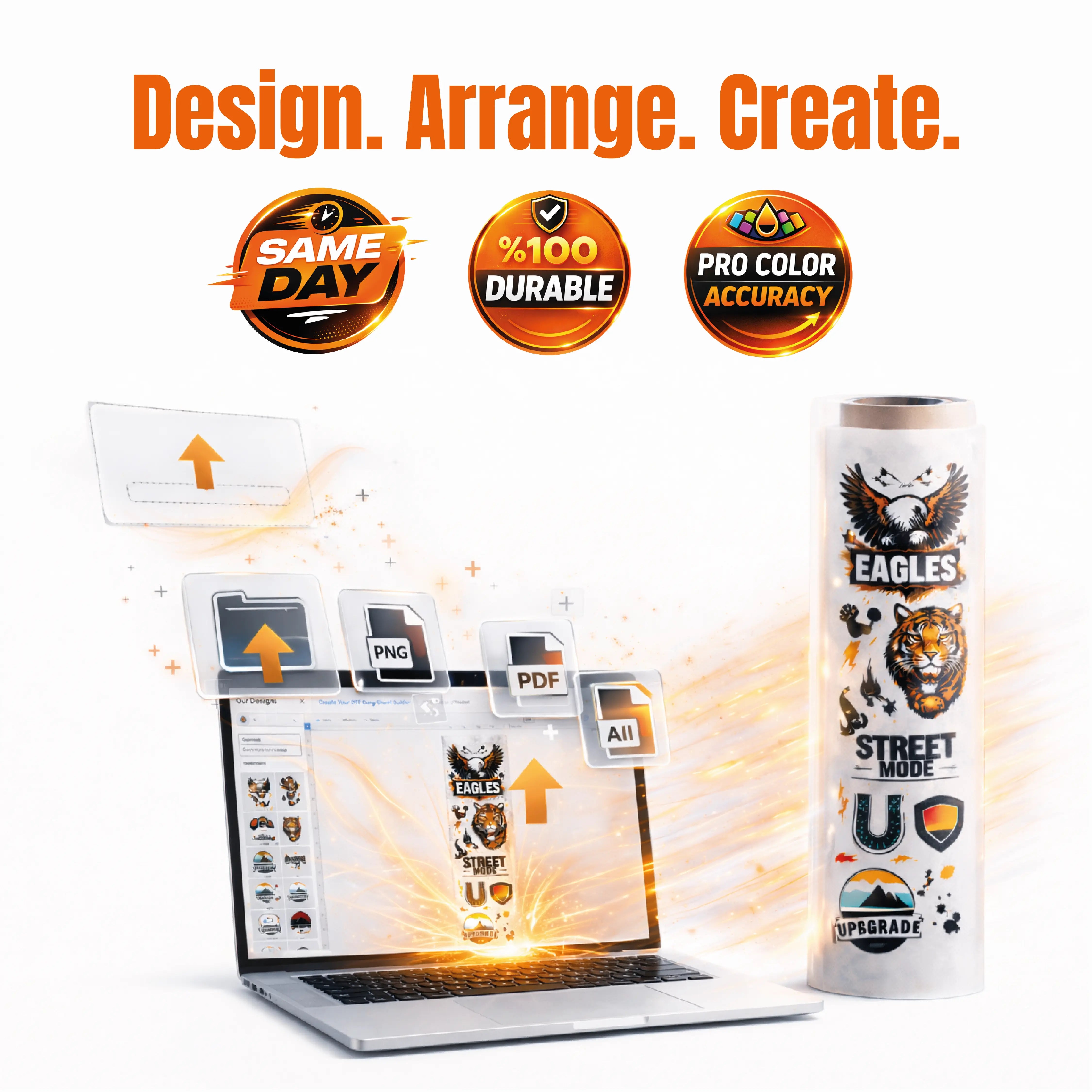
This collection is built for production focused ordering. The page highlights same day printing, which is helpful when you need transfers fast for rush orders, events, or weekly drops. If you are building a small business, the ability to reorder quickly can be just as important as price, because it keeps your fulfillment moving without long pauses.
Also Available In This Collection: UV DTF For Hard Goods
You will see UV DTF options on the same page, such as UV DTF by size and UV DTF gang sheet products. UV DTF is typically used for hard surfaces like tumblers, cups, glass, and many plastics. If your store sells both apparel and hard goods, you can keep branding consistent by ordering DTF transfers for shirts and UV DTF decals for drinkware in one session.
FAQ
What Are DTF Transfers?
DTF transfers are heat press transfers used to apply full color artwork to garments like shirts and hoodies. You press the transfer onto fabric when you are ready to fulfill.
What Is A DTF Gang Sheet?
A DTF gang sheet is one sheet that holds multiple designs. You cut each design out and press them onto garments as needed.
Should I Order By Size Or Use A Gang Sheet?
Order by size when you need one design in an exact dimension. Choose a gang sheet when you want multiple designs on one sheet to reduce waste and speed up production.
Builder Or Upload Which Option Is Faster?
Upload is fastest if your file is already print ready. The builder is best if you want to arrange designs online and confirm sizing before checkout.
What Fabrics Work Best With DTF Transfers?
DTF transfers are commonly used on cotton, polyester, and blends. If the fabric has heavy texture or special coatings, press a test item first.
How Do I Avoid Cutting And Sorting Mistakes?
Leave space between designs and group similar sizes together. Cut with sharp tools and keep finished transfers labeled by order when working in batches.
Do You Offer Same Day Printing?
The collection page highlights same day printing. If you have a deadline, place your order early and review the current production notes shown at checkout.
What Is The Difference Between DTF And UV DTF?
DTF transfers are pressed on garments with a heat press. UV DTF is typically used for hard goods like tumblers and cups and is applied to smooth hard surfaces.