DTF Gang Sheets for Custom Transfers, Build or Upload Your Layout Fast
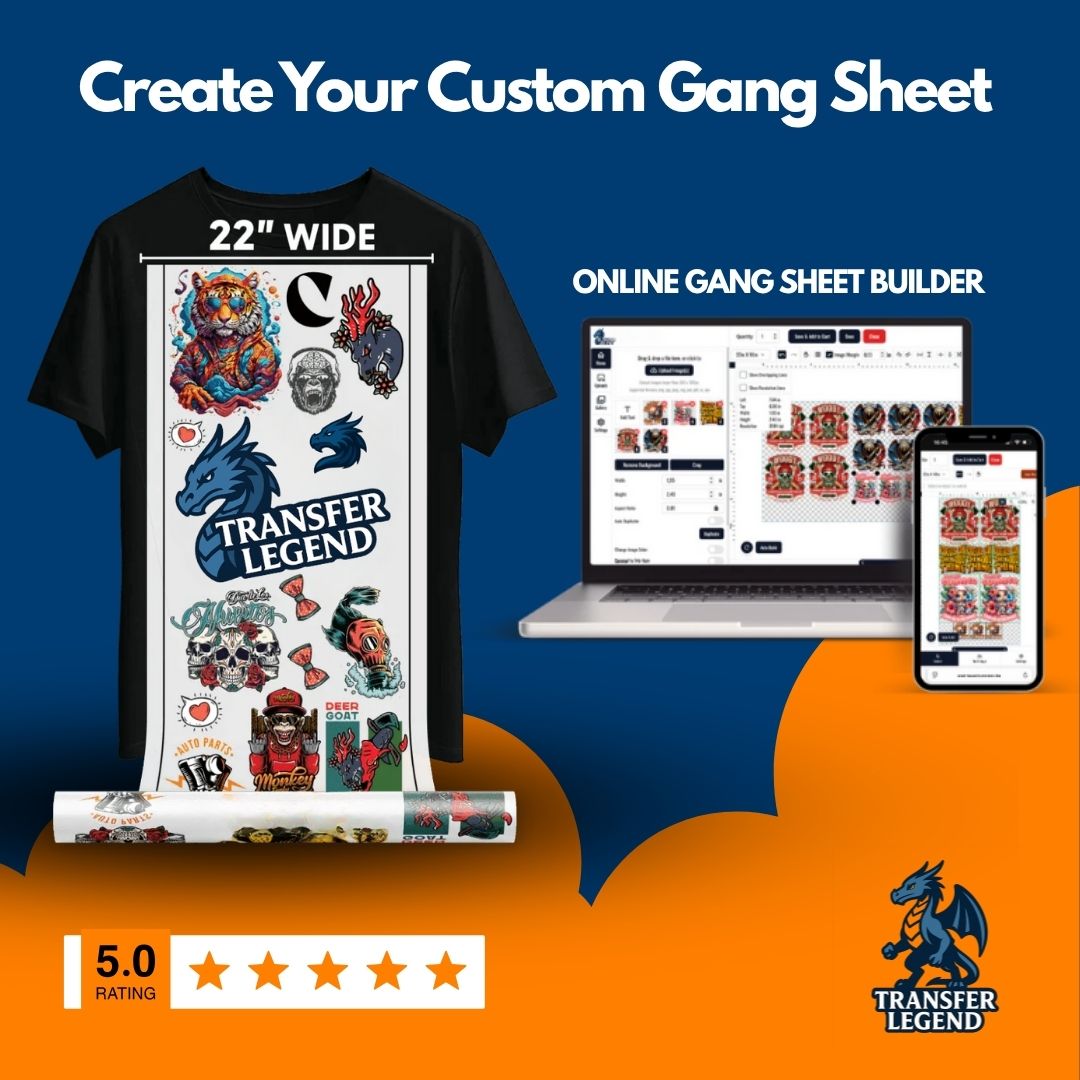
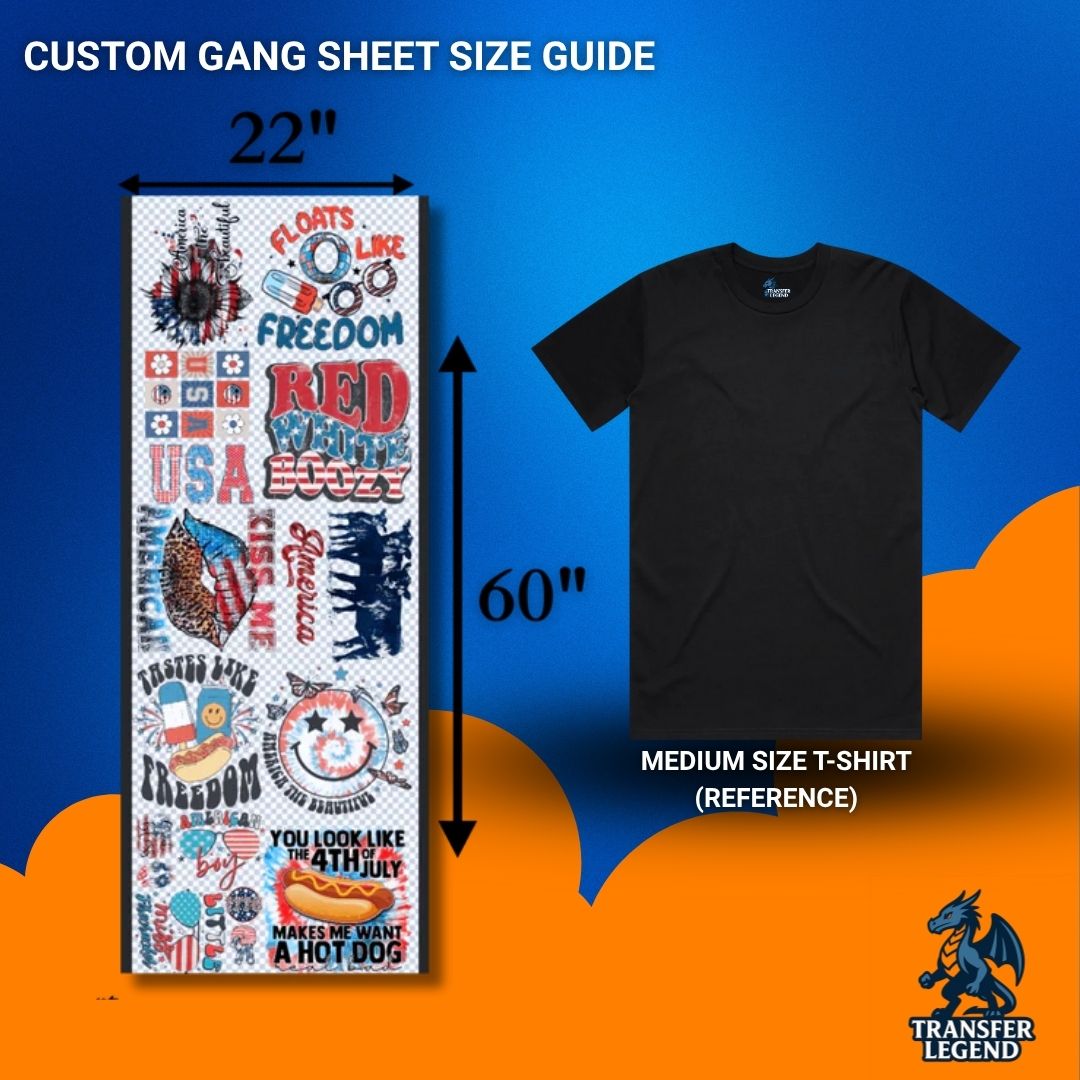
DTF gang sheets let you print multiple full color designs on one sheet, cut them out, and press them on shirts, hoodies, tote bags, and more. Instead of ordering one transfer at a time, you can place many logos, names, and graphics into a single layout. That helps reduce waste, speed up production, and keep your workflow simple for small businesses, print shops, and creators.
What You Can Order In This Collection
This collection focuses on two ways to order, depending on how you want to submit your layout:
- Custom DTF Gang Sheet Builder to build your layout online and control sizing and spacing before checkout
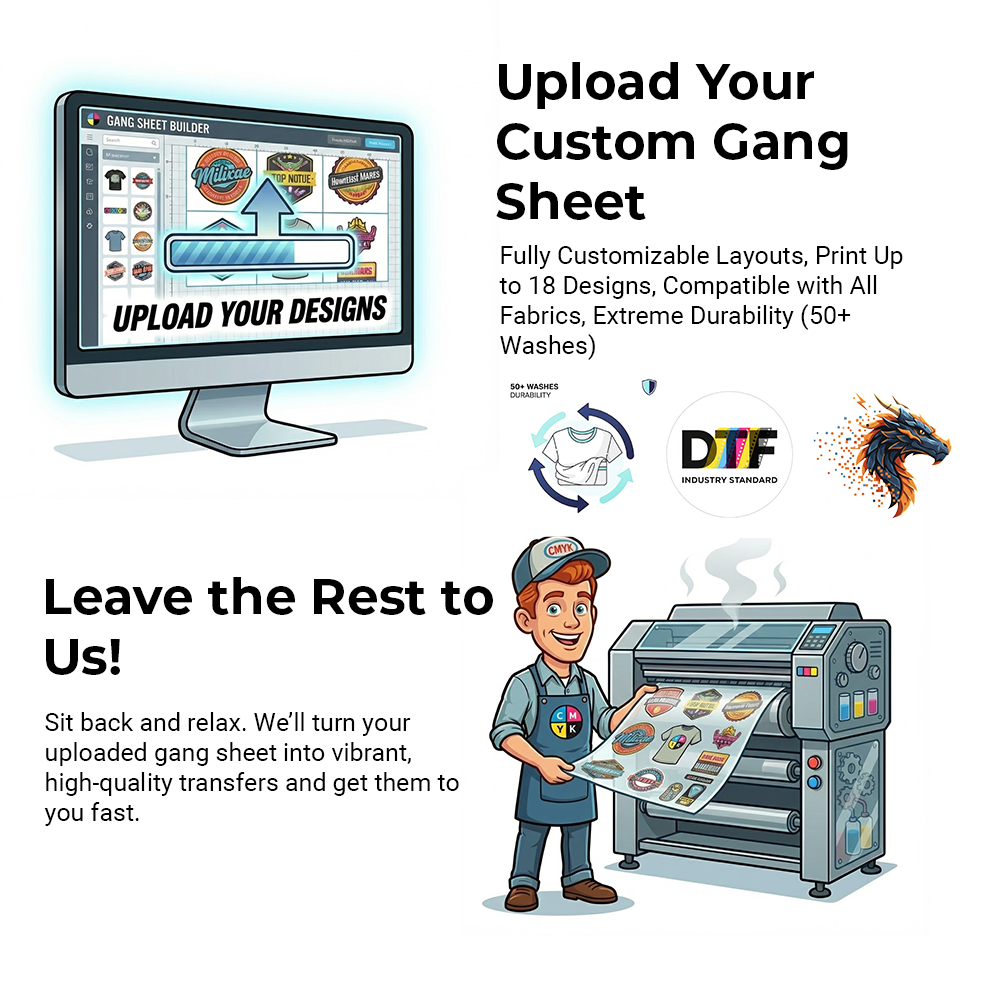
- Upload Your DTF Gang Sheet to send a print ready layout that you already prepared in a design tool
If you are new to gang sheets, start with the builder. If your file is already final, upload is the fastest option.
What Is A DTF Gang Sheet
A DTF gang sheet is one printed sheet that contains multiple transfer designs. After it arrives, you cut each design apart and press them onto garments. It is a practical format for brand kits, team orders, seasonal drops, and stores that need many designs ready for pressing.
Why Gang Sheets Are Popular For Custom Apparel
Most custom apparel workflows come down to speed and consistency. Gang sheets help because you can print several designs in one order, keep them on hand, then press as orders come in. They also make it easier to test new ideas. You can fit a few small chest logos, medium front prints, and one large back graphic on a single sheet, then re order only what sells.
Builder Or Upload Which One Should You Choose
Choose the gang sheet builder when you want a guided setup. It is useful if you need help arranging different designs into a clean layout and you want to double check spacing before you buy.
Choose upload when your layout is already print ready. If your designer prepares sheets in software like Illustrator or Photoshop, upload keeps the process straightforward: submit the file, select the size, and check out.
Fast Printing And Flexible Ordering
When you sell custom apparel, speed matters. These DTF gang sheets are offered with simple ordering options and production focused features. You can place a small test order or scale up for wholesale runs because there are no minimums and no setup fees. If you are working on a deadline, the site highlights same day printing and same day shipping with a cut off time of 9am, plus free shipping on orders over $75.
The builder option also supports a wide range of sheet sizes, which is helpful when you need anything from a short sheet for a few logos to a long sheet for a full batch of designs. Pick the closest size to your layout so you use space efficiently and keep cutting quick.
Durability And Peel Options
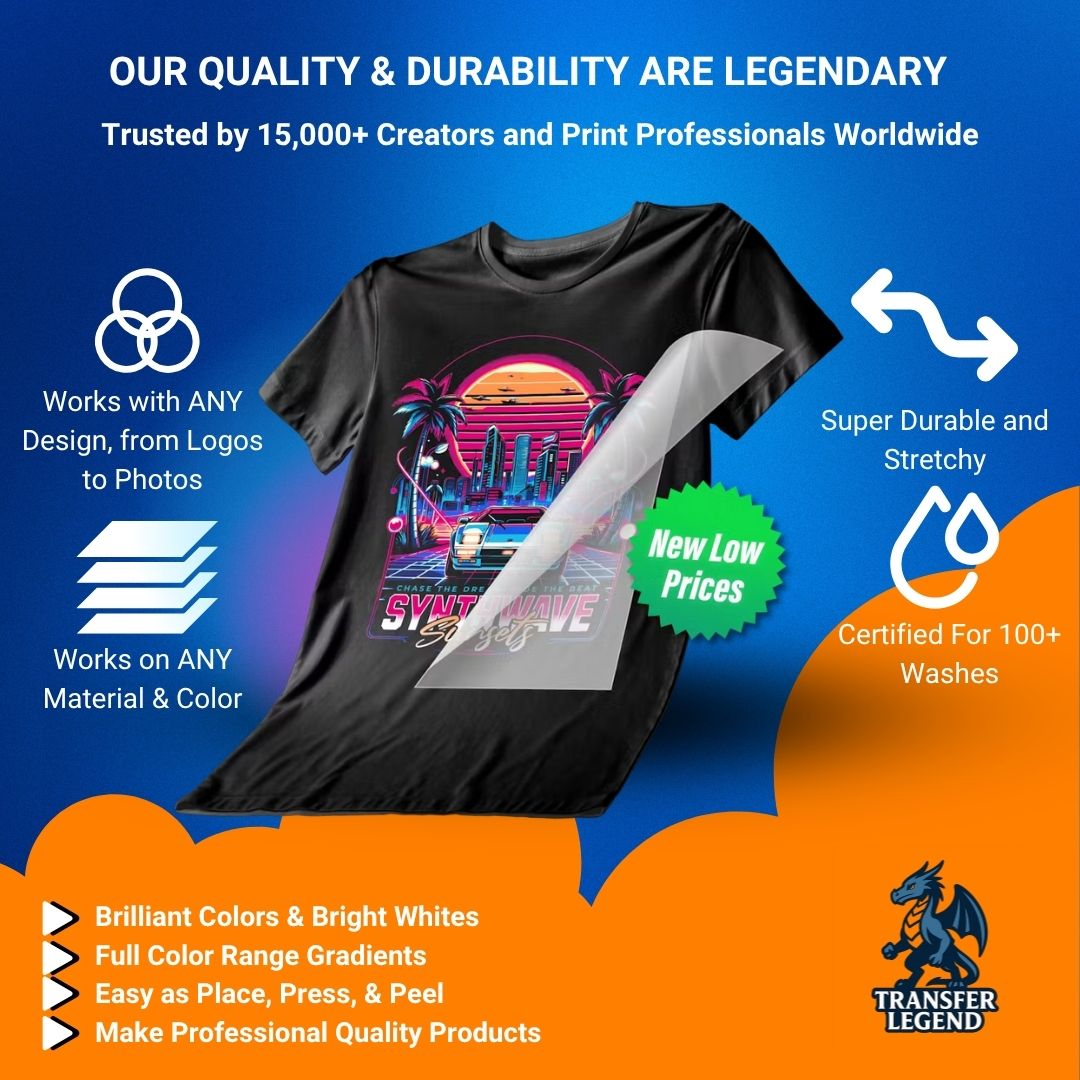
DTF transfers in this collection are designed for long lasting wear, with a stated durability of 75 plus washes. Peel flexibility matters for production, too, so the listings note hot peel or cold peel options. That helps you match the workflow in your shop, whether you prefer to peel right away or let garments cool before finishing.
Print Quality That Presses Cleanly
DTF transfers are known for full color prints and fine detail, but the final look still depends on the print process and film. This collection is made for customers who want sharp edges, strong color, and a smooth finish that feels comfortable on the garment. DTF transfers are commonly used on cotton, polyester, and blended fabrics, so they fit many apparel needs.
Artwork And Layout Tips For Better Results
Good files lead to clean prints. Use these practical tips when creating DTF gang sheets:
- Use high resolution artwork so small text stays readable
- Keep backgrounds transparent when you want a clean cut edge
- Leave space between designs so cutting is fast and accurate
- Avoid ultra thin lines if the garment texture is heavy
- Group similar sizes together to make sorting easier
If you are mixing many designs, keep the layout organized. For example, place left chest logos together and large back prints together. That helps you cut, sort, and press without mix ups.
Choosing A Sheet Size
Select a size based on what you plan to press. If you only need a few small logos, a shorter sheet is often enough. If you are preparing transfers for a larger job, a longer sheet can hold many names, numbers, and graphics. Before ordering, list your designs and their approximate dimensions. That makes it easier to pick the best size for your project.
Pressing Basics
DTF transfers are applied with a heat press. For best results, follow the pressing instructions provided with your order and test one garment before producing a full batch. Use consistent pressure on a flat surface, then peel as directed. Once you confirm the result on one item, the rest of the order usually goes quickly.
FAQ
What Are DTF Gang Sheets?
DTF gang sheets are single sheets that include multiple DTF transfer designs. You cut them apart and press each design onto garments as needed.
What Is A Gang Sheet For DTF Used For?
It is used to print many logos and graphics in one order, which can reduce waste and speed up production for custom apparel.
How Do I Create A DTF Gang Sheet?
You can build your layout in the online gang sheet builder, or you can prepare a print ready file in a design tool and upload it.
Should I Use The Builder Or Upload Option?
Use the builder if you want help arranging and sizing your designs online. Use upload if your layout is already prepared and ready for print.
Can I Mix Different Designs On One Sheet?
Yes. Many customers combine several logos and graphics on one sheet, then cut and sort them during production.
What Fabrics Work Best With DTF Transfers?
DTF transfers are commonly used on cotton, polyester, and blends. Test one garment first if your fabric has heavy texture or special coatings.
Do I Need A Heat Press To Apply These?
Yes. DTF transfers are applied with a heat press. Follow the pressing instructions included with your order for time, temperature, and peel guidance.
How Do I Avoid Cutting Mistakes?
Leave space between designs and cut with sharp tools. Sorting designs by size also helps prevent mix ups.